Release Notes
Version 1.0.0 (Initial Release)
We are excited to announce the first official release of the ESP Button app! This version brings powerful automation and real-time monitoring to your fingertips, allowing you to manage your devices with precision and ease.
🚀 Key Features
- Versatile Switch Types
- Binary Switch: The classic digital toggle. Turn devices ON or OFF instantly. Includes a real-time Elapsed Timer.
- Delay Switch: Configure a specific duration (HH:MM:SS) for your device to run. Auto-triggers OFF when complete.
- Interval Switch: Advanced scheduling. “Once Mode” for delayed starts, “Daily Mode” for recurring cycles.
- Real-Time MCU Status
- Live Connectivity: Instantly see if your ESP8266/MCU is online or offline.
- Sync Status: Real-time feedback ensuring the app state matches your physical device state.
- Countdown Awareness: Watch timers update live on your dashboard.
- Premium Dashboard Experience
- Multi-Client Support: Manage multiple rooms or locations from a single interface.
- User-Centric UI: Sleek, intuitive design built with Jetpack Compose.
- Easy Setup: Streamlined process for adding and configuring new switches.
Version 1.1.0 (Added a Hotel Management usages)
In the previous version we have introduce the types of ESP buttons (Binary Switch, Delay Switch, Interval Switch). In this version we have added a new feature to the app which allows users to manage their hotel rooms and devices from a single interface.
🚀 Key Features
- Hotel Management
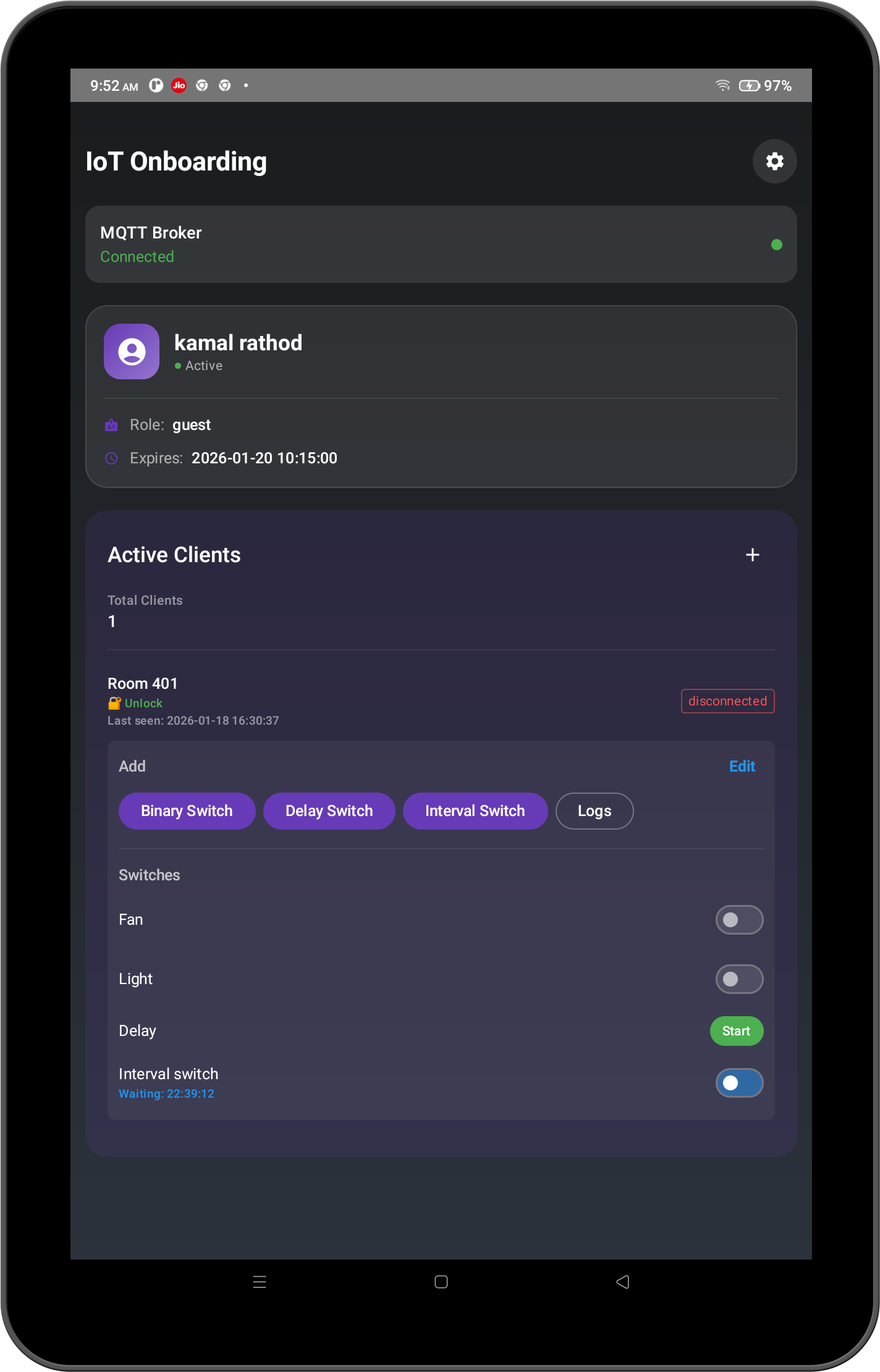
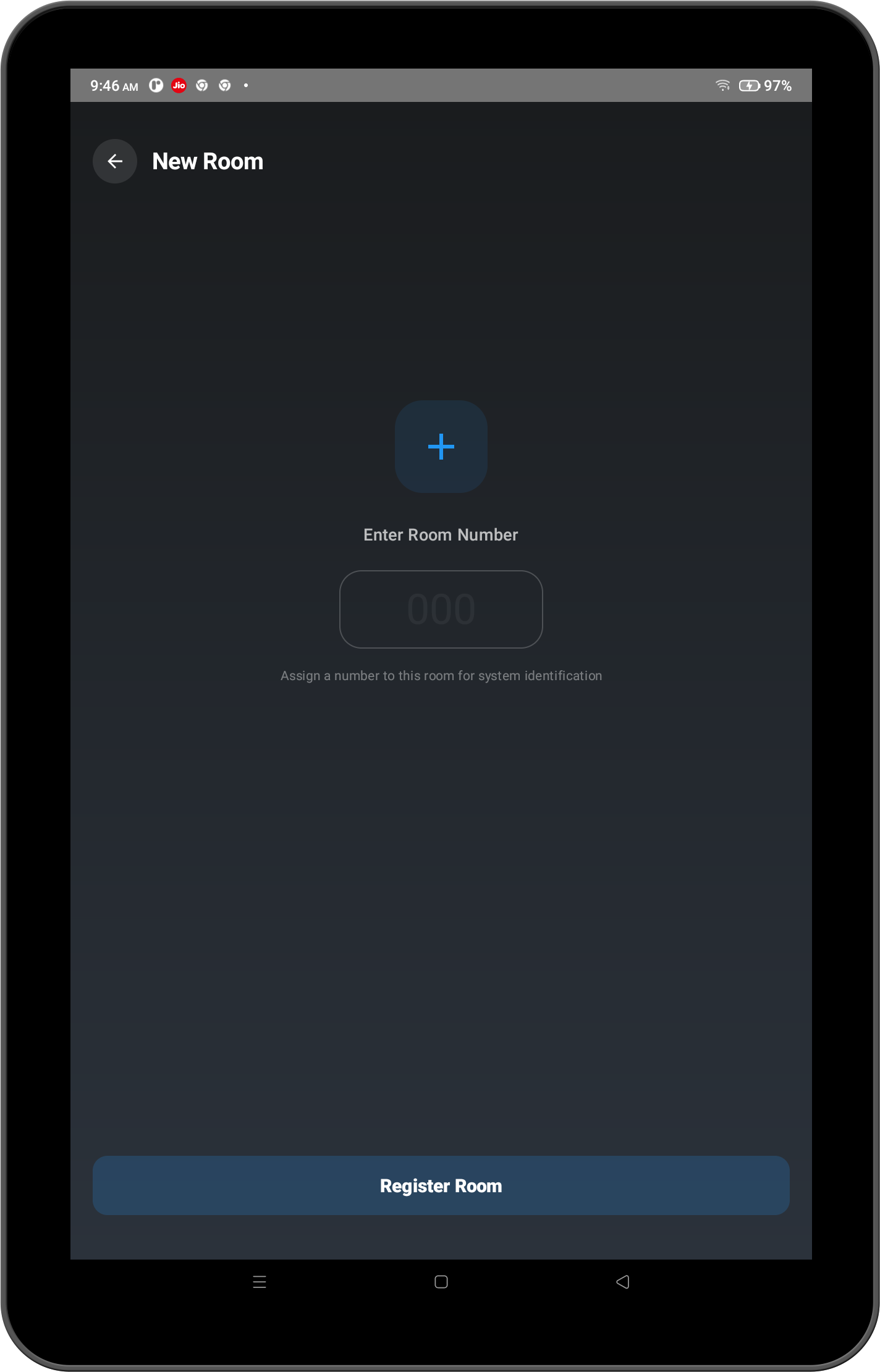
- Room Management: A guest can control the devices of their room from a single interface.
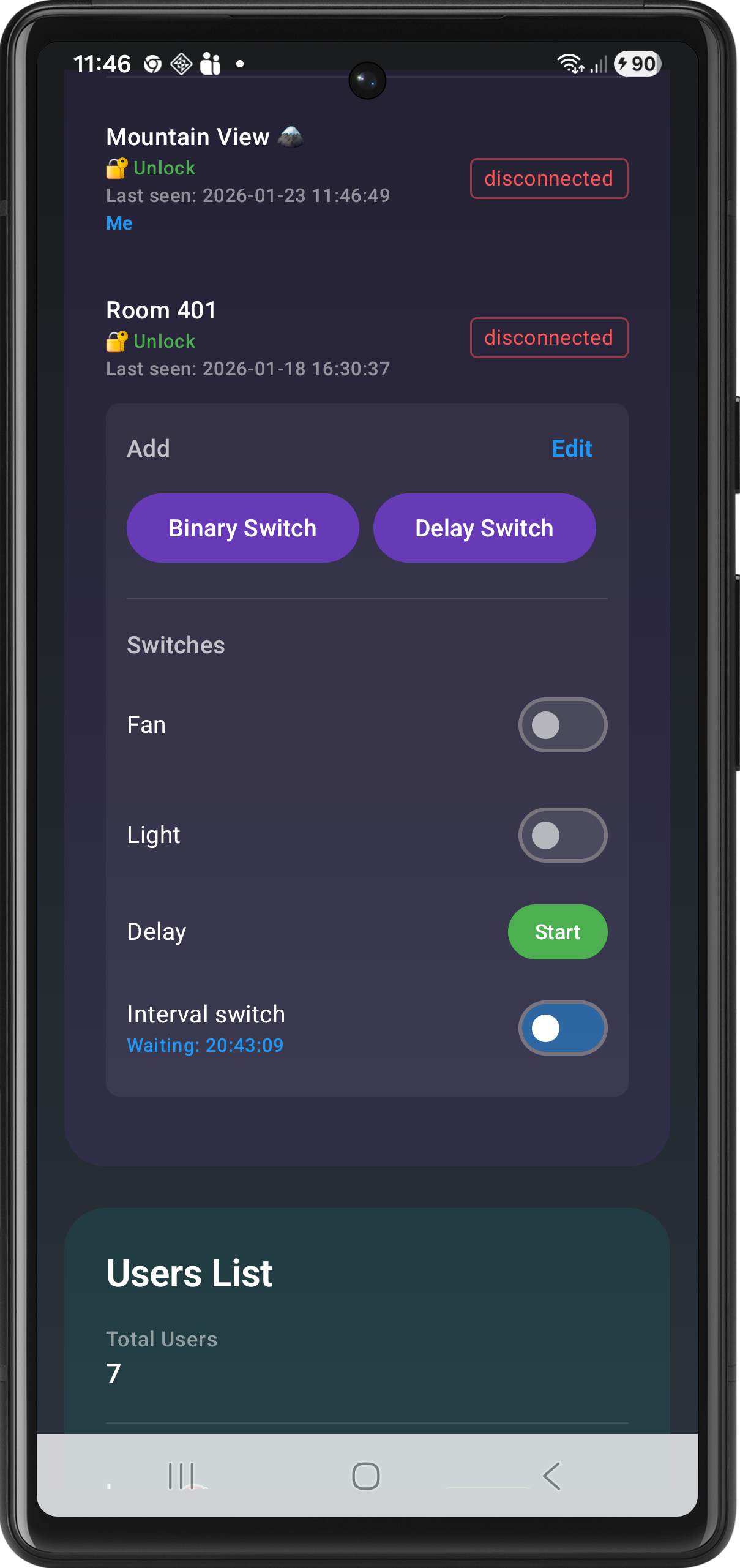
- Device Management: A desk manager can control the guest device and room from a single interface.
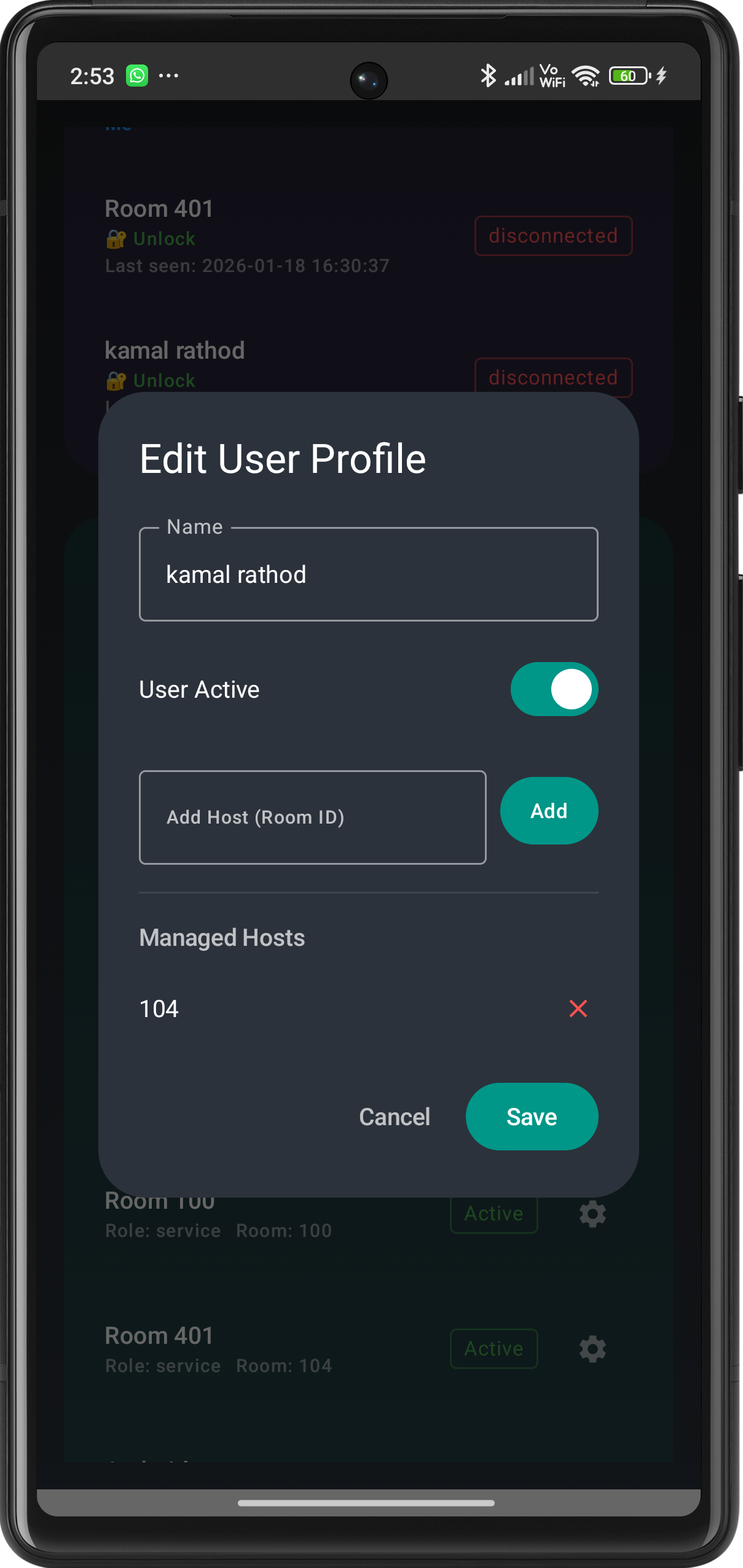
- User Management: An admin can control the guest and desk manager from a single interface.
Room Management
- A guest can add control of room devices from its mobile using app.
- He/She can control the devices in their room using app.
- He/She can add the switches control from its mobile using app.
Screenshots
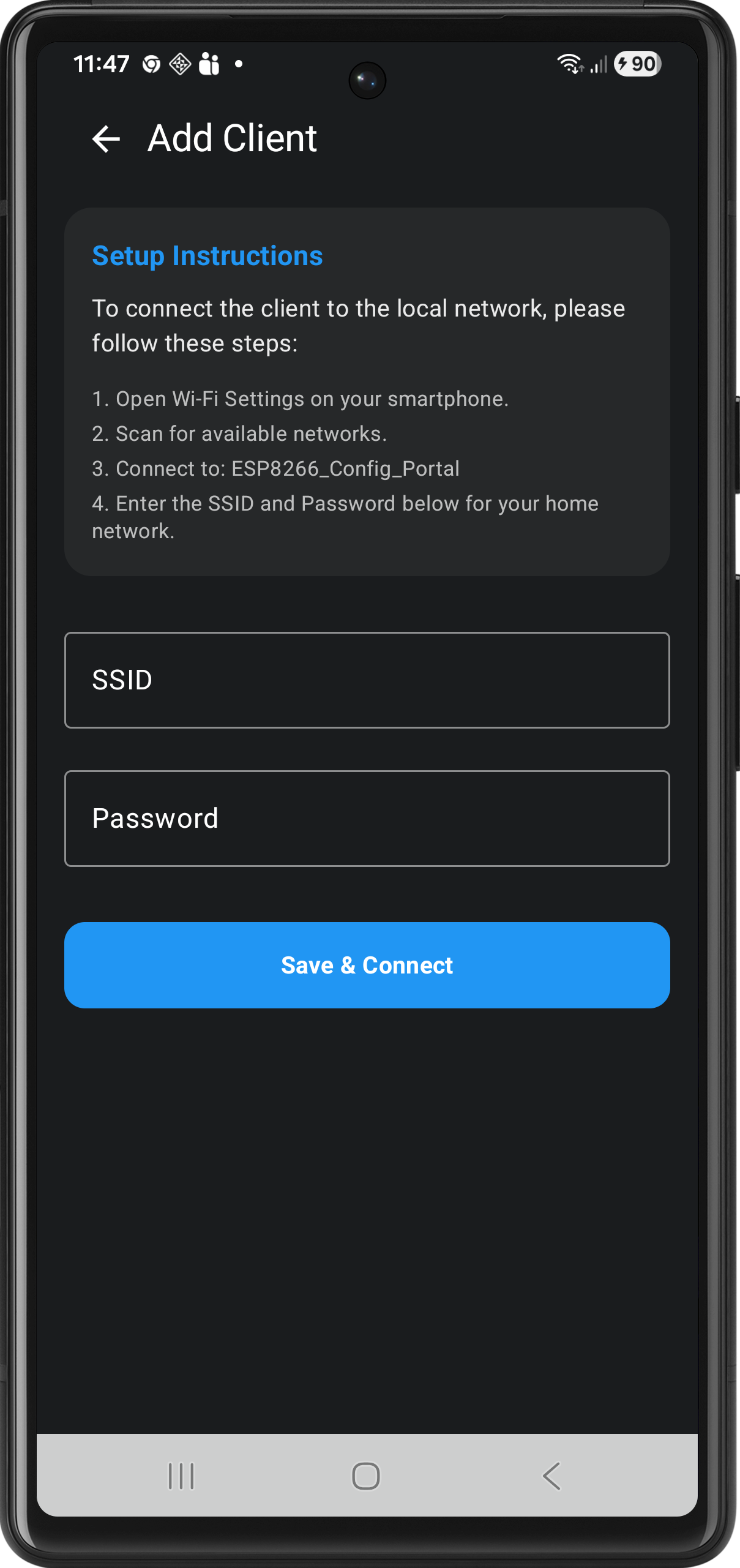
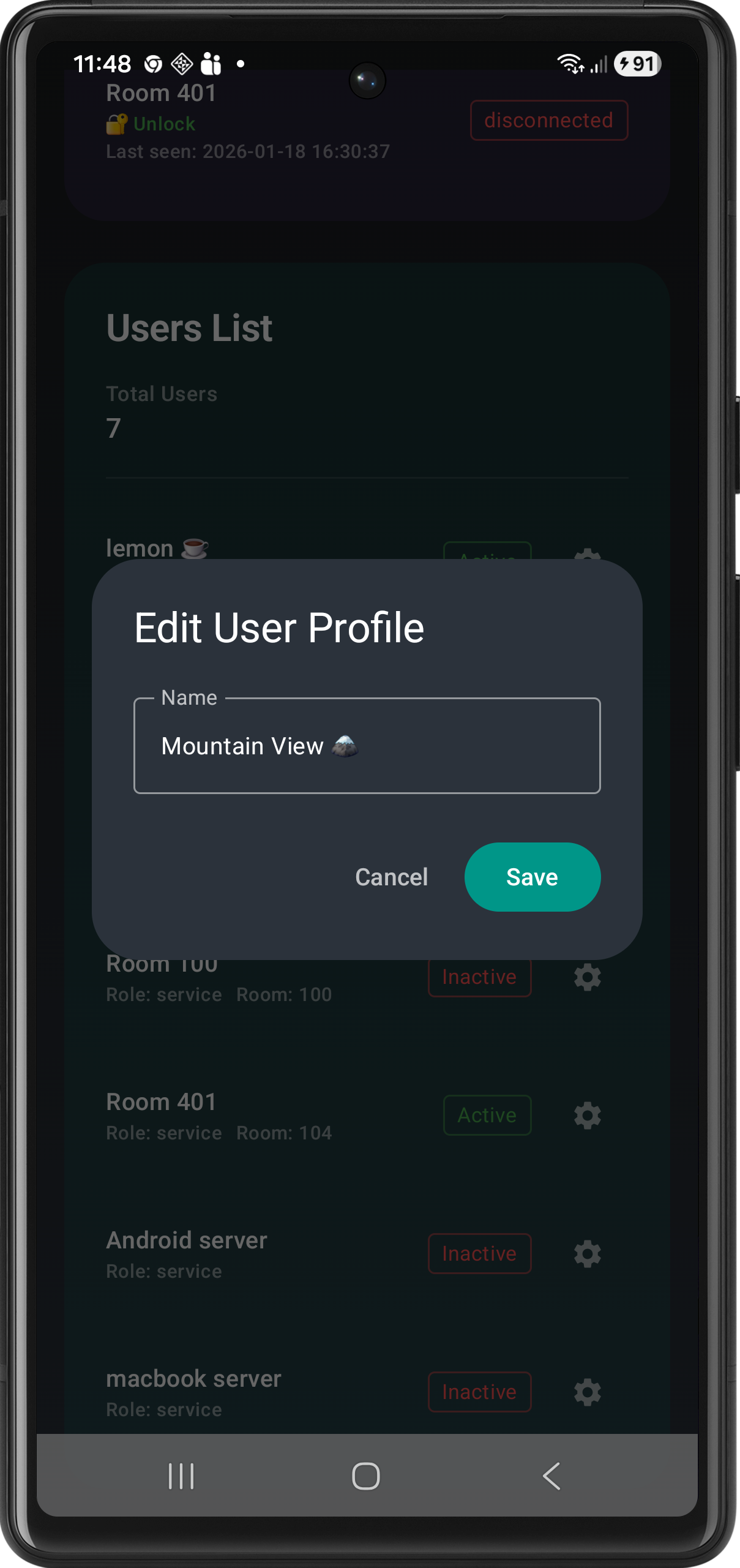
Device Management
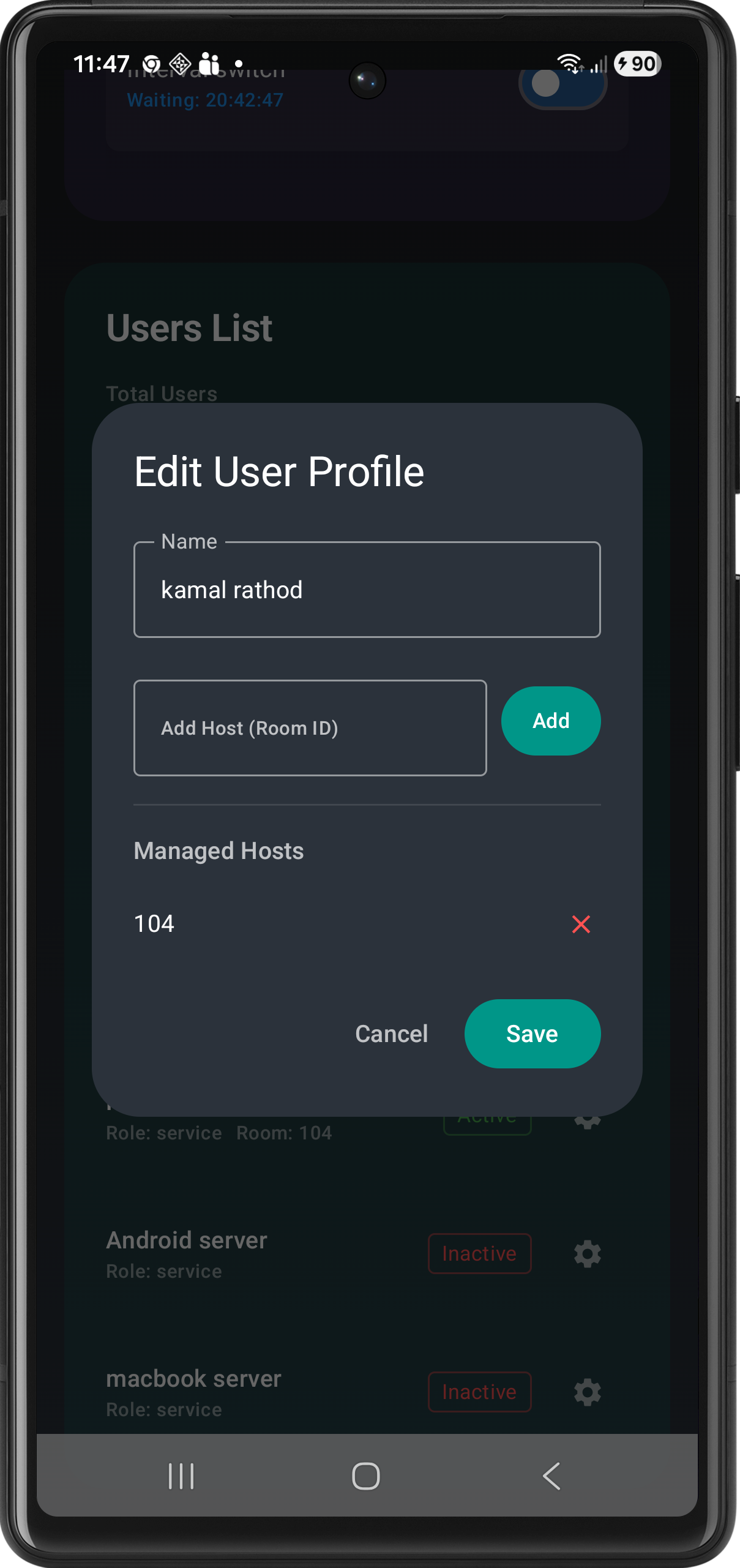
- A desk manager can add control of guest devices from its mobile using app.
- He/She can add and remove room switch control from from guest mobile.
- A desk manager can rename the devices in the network
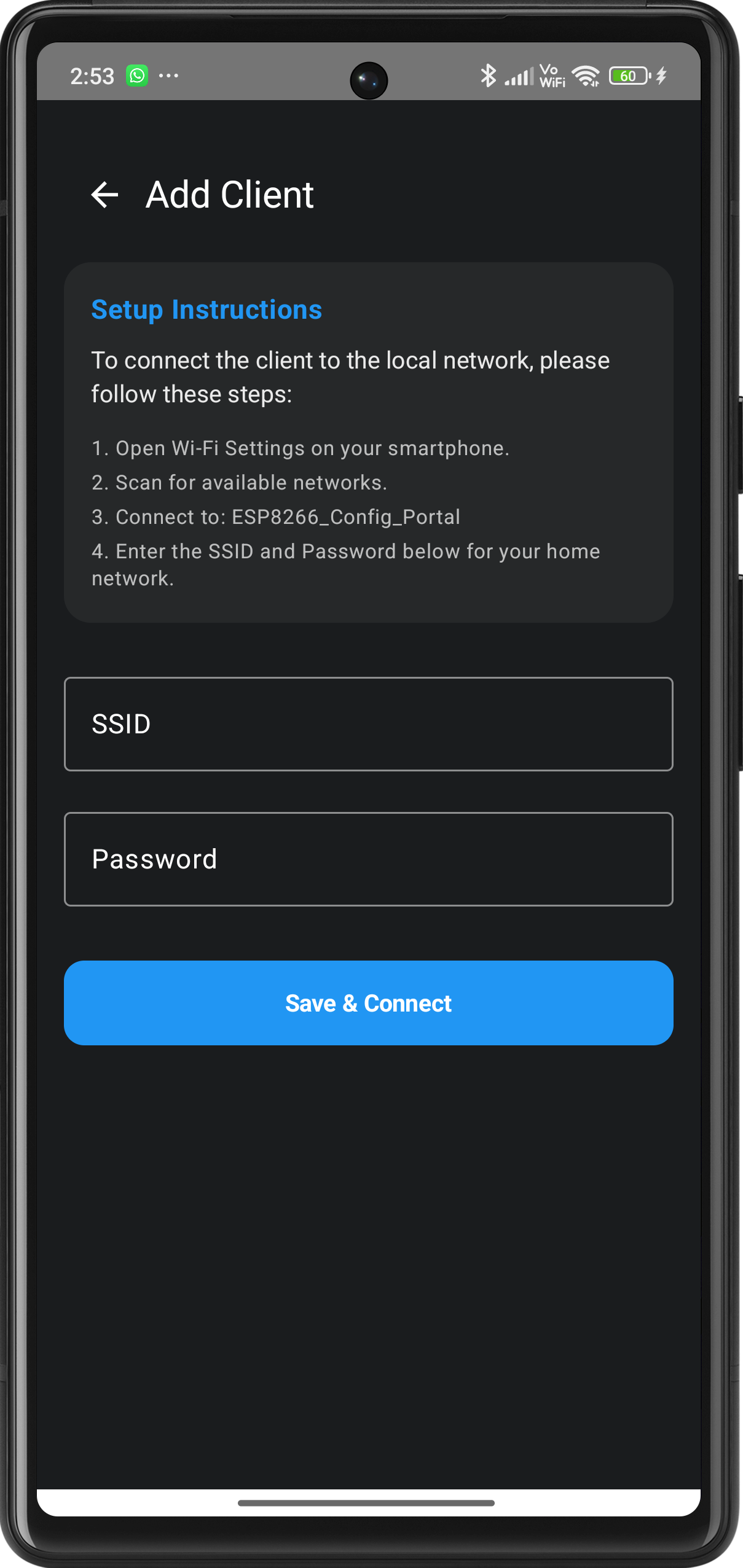
- A desk manager can add a new switch controller
Screenshots
User Management
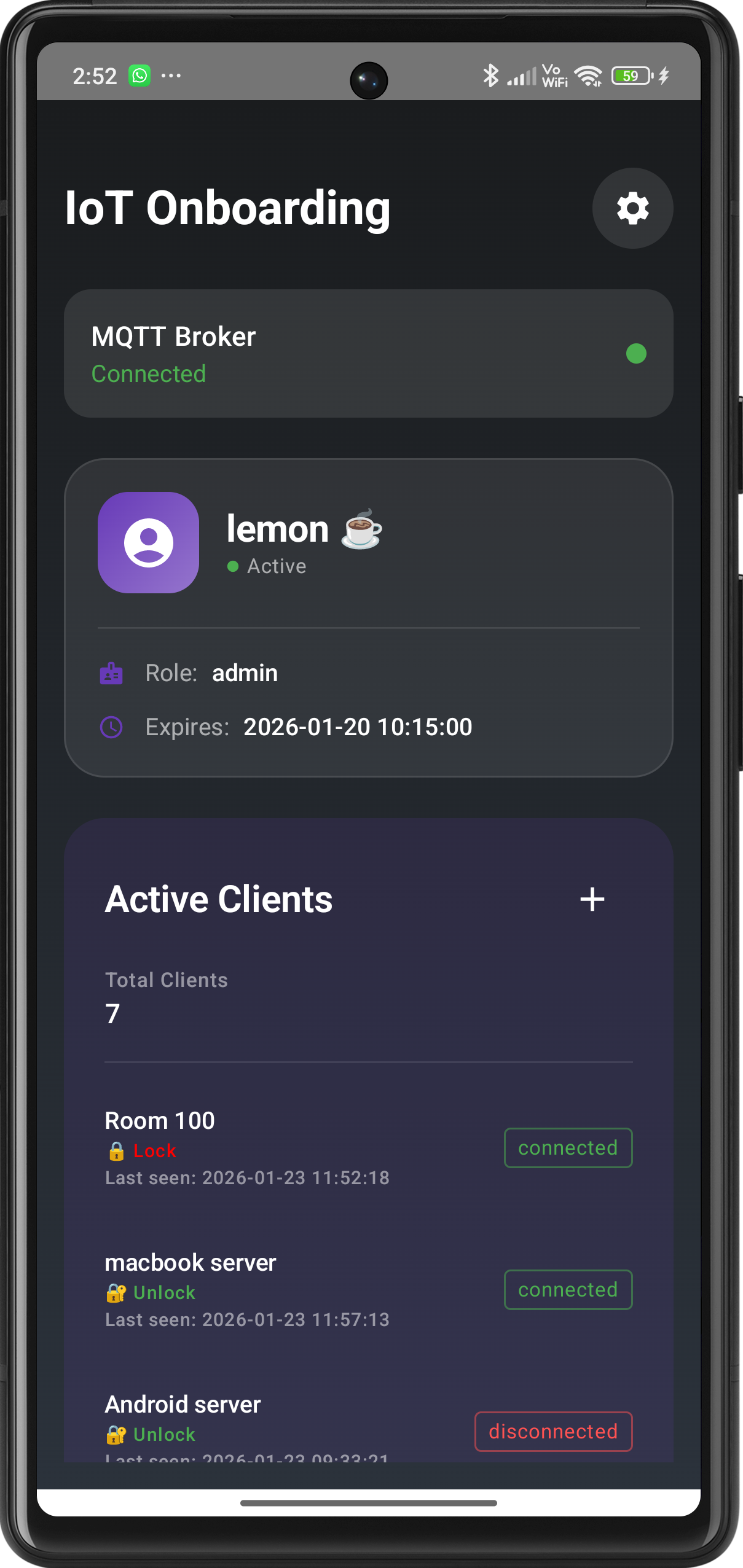
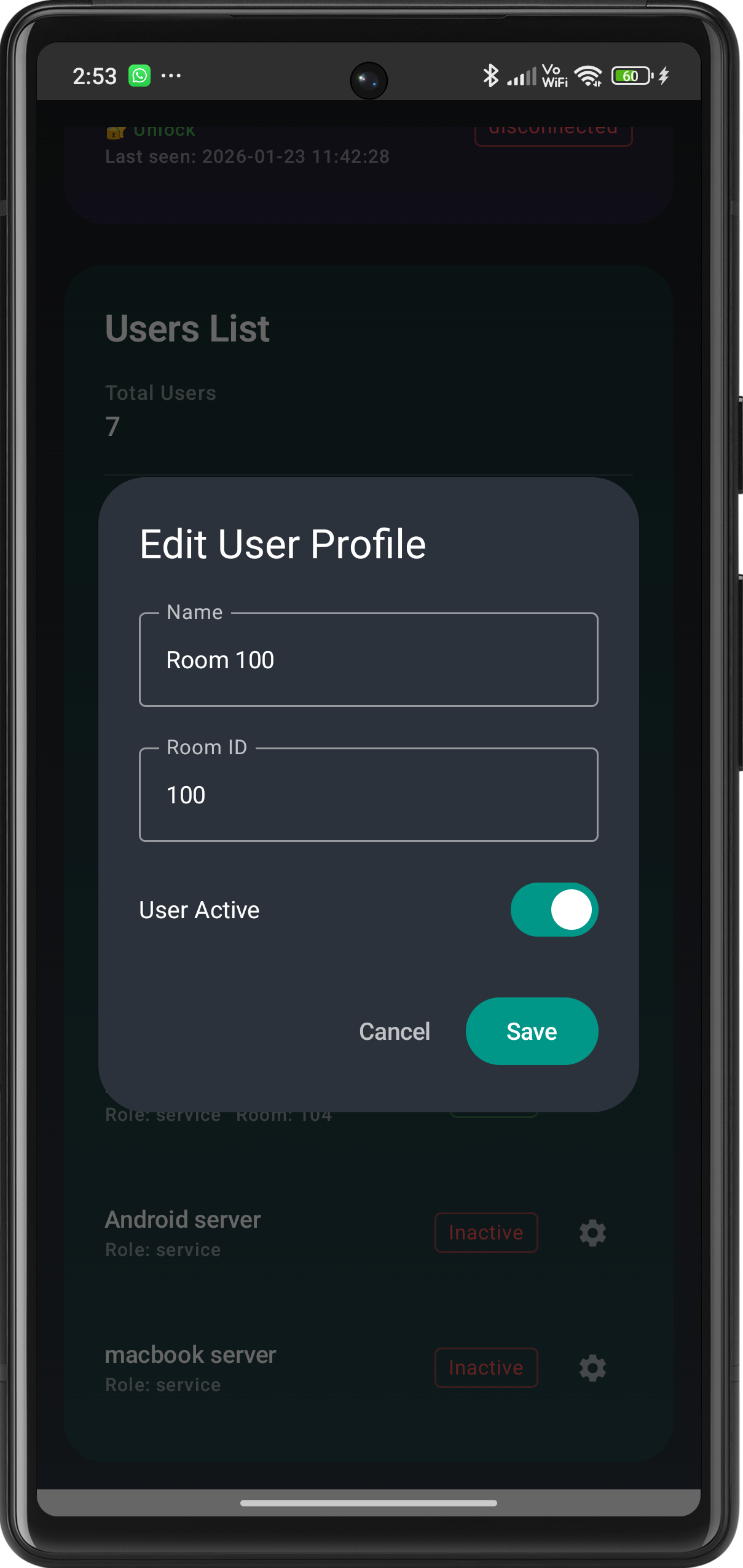
- Admin can do everything, he/she can active/deactive guest, desk manager and room switch.
- He/She can control the devices in their room using app.
- He/She can add and remove guest room switch control from guest mobile.
- He/She an enable or disable any device.
- He/She can rename any device.
Screenshots
📥 Get Started
- Ensure your MCU is flashed with the compatible firmware and connected to your MQTT broker.
- Add your first device on the dashboard and start automating!
- Feedback: If you encounter any issues or have feature requests, please reach out via our support channels.
Download App
📥 Download App via Firebase App Distribution